


15k+
Apps launched with Passion.io.
Turn course content into a mobile learning app that students can use on any screen. Add lessons, worksheets, quizzes, challenges, community channels and subscriptions, then bring people back with drip content and push notifications.
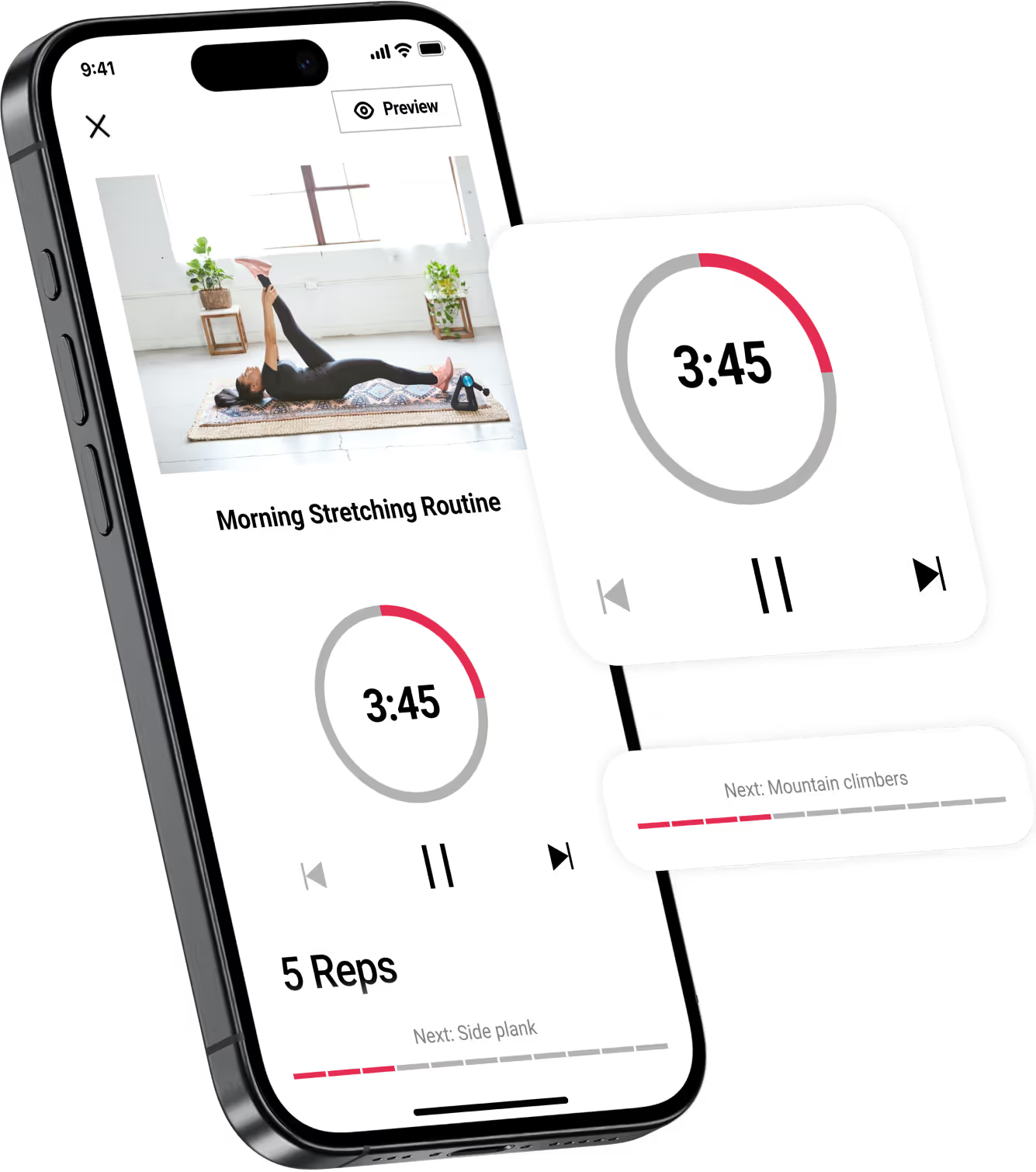
Passion.io is for course creators who need students to come back. The problem is well documented: some online courses have completion rates as low as 9%. A mobile app lets you combine lessons, worksheets, quizzes, communities, subscriptions, drip releases and push notifications in one place.
The practical course architecture: teach the concept, ask students to apply it, then reopen the app with community and timed releases.
Drop in images, videos, articles and downloadable worksheets. A lesson can carry the explanation and the action materials in one place.
The course builder is not just a list of content blocks. It is a course-retention model: lesson delivery, practice, social accountability, recurring access and timed release.
| Capability | What it lets you do |
|---|---|
| Mobile course delivery | ✓Let students learn on the go and on any screen instead of forcing every lesson into a browser login. |
| Multimedia lessons | ✓Add images, videos, articles, downloadable worksheets, stopwatches and goal tracking to the learning journey. |
| Quizzes and embeds | ✓Use Typeform quizzes and calculators, Calendly embeds and scheduling, plus YouTube Live and Vimeo embeds. |
| Subscriptions | ✓Sell ongoing access to exclusive communities, goal trackers, virtual events, office hours and course libraries. |
| Community channels | ✓Keep lessons and learning community together, with channels for questions, assignments and worksheets. |
| Drip libraries | ✓Build a growing on-demand library or create 6-week challenges where content unlocks daily or weekly. |
| Push notifications | ✓Bring students back when the next lesson, assignment or community moment is ready. |
Pricing-dependent features are separated below.
Creators run courses across marketing, business coaching, recipes, life coaching, fitness, music, therapy, personal finance, language learning, art, yoga, parenting and more.
Passion.io has launched 15,000+ apps for creators, with 2M+ paying app users behind them.
Read case studiesApps launched with Passion.io.
Paying app users with Passion.io.
The features that keep learners moving: scheduling, interactive courses, offline sync, communities, on-demand content and notifications.
Schedule sessions inside your app, embed Calendly behind a subscription plan and focus high-ticket services in one member flow.
Create lessons for any time and anywhere, then drip content over time so members return to the app.
Let users download content so they can keep learning offline or on the go.
Create shared spaces, paid memberships and VIP access next to the content people bought.
Upload audio, video, courses and files so the app becomes a protected library for your audience.
Send contextual push messages that reach members outside email inboxes and social feeds.
Straight answers to what creators ask before they start.
Passion.io puts the course inside a mobile app, not just a web page. Students can learn on the go and on any screen, with videos, articles, worksheets, goal tracking, quizzes, scheduling, livestream embeds, communities, subscriptions, drip content and push notifications.
Yes. Course-builder options include images, videos, articles, downloadable worksheets, stopwatches, goal tracking, Typeform quizzes and calculators, Calendly embeds and scheduling, plus YouTube Live and Vimeo embeds.
Yes. Creators can offer mobile learning subscriptions for exclusive communities, goal trackers, virtual events, office hours and more. That lets the course become an ongoing relationship instead of a one-time purchase.
Yes. Lessons and learning communities live together, with channels for questions, assignments and worksheets. Creators can control when students respond directly or message each other in the app.
Yes. Creators can build growing on-demand libraries or create 6-week challenges where content becomes available daily or weekly. Push notifications bring students back when the next lesson opens.
Use Launch if you need a Passion App, products, communities, messaging and basic automations. Use Scale for brand control and advanced automations. Use Expand when you need app-store listing, offline mode, unlimited users, unlimited products and unlimited push notifications.

Put the lesson, the practice, the community and the next unlock in the same app your students already carry.